Facebook Audience Insights: How to Find the Right Audience
How to Use Facebook Audience Insights for Better Audience Research
In 2026, precise audience research remains the foundation of high-performing Facebook Ads, even with AI-powered targeting taking center stage. Facebook Audience Insights (integrated in Meta Business Suite) gives you free, aggregate data on demographics, locations, interests, behaviors and device usage across your Page audience or the entire platform. Smart Media uses these insights every day to help businesses build laser-focused audiences and scale Facebook Ads results faster.
What is Facebook Audience Insights?
Facebook Audience Insights is a built-in analytics tool within Meta Business Suite that helps advertisers understand their target audience using real data from Facebook and Instagram users.
Instead of guessing who your customers are, this tool allows you to explore detailed information such as demographics, interests, behaviors, and online activity. It combines data from people on Meta platforms with insights from your own audiences (like page followers or customer lists), giving you a clearer picture of who you should target.
In short, how to use Facebook Audience Insights effectively means turning raw data into actionable targeting decisions that help you reach the right people at the right time.
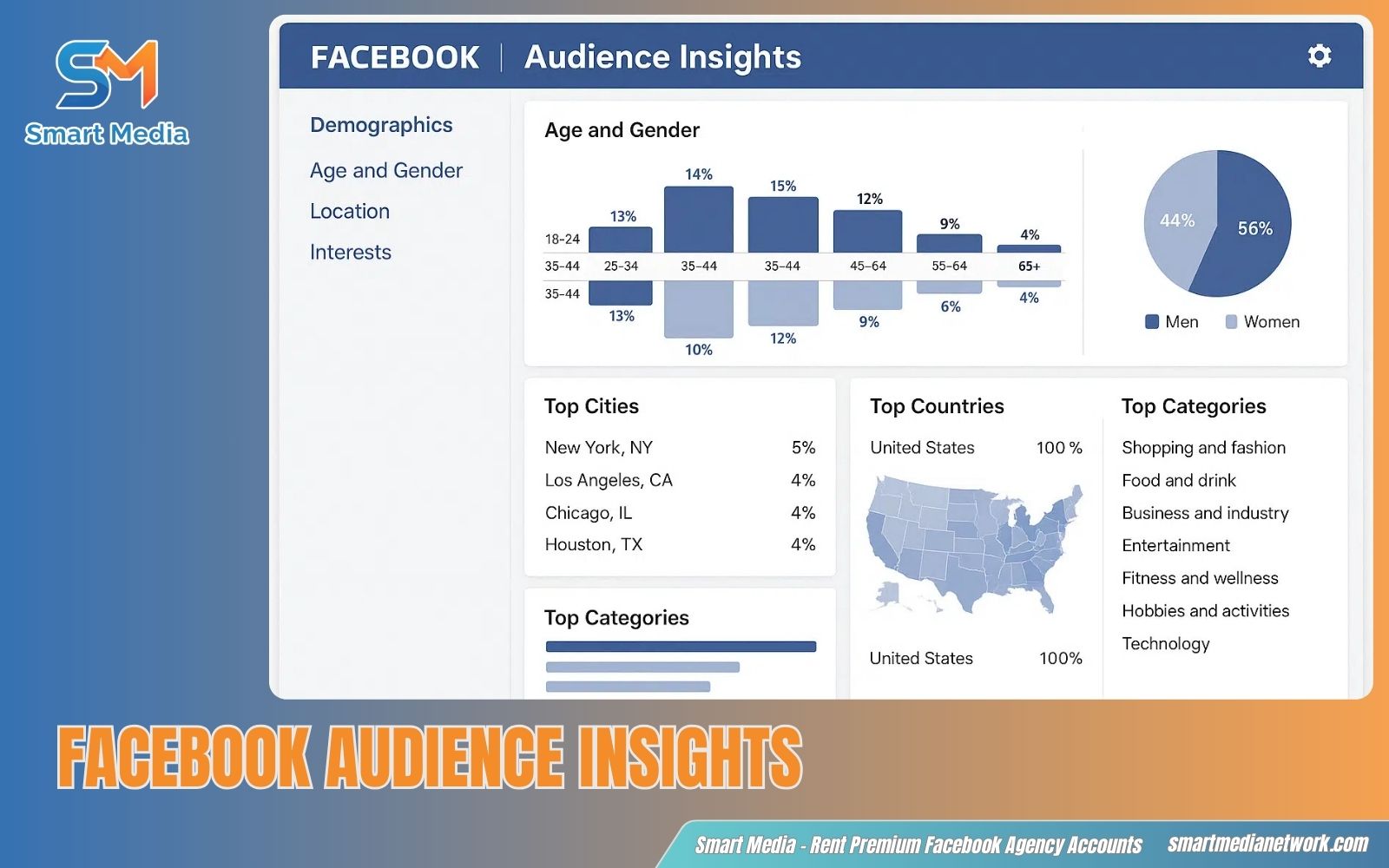
Understand your audience data clearly with Facebook Audience Insights tool
Why Facebook Audience Insights matters for Facebook Ads
Running ads without data often leads to wasted budget and low performance. That’s why Facebook Audience Insights plays a critical role in building effective campaigns.
It helps you identify the right audience segments before launching ads, so your targeting is based on real user behavior, not assumptions. With better Facebook Audience Insights targeting, you can reach people who are more likely to engage, click, and convert.
This tool also allows you to refine your strategy over time. By understanding trends in Facebook Audience Insights demographics and interests, you can continuously optimize your campaigns, improve ad relevance and reduce costs.
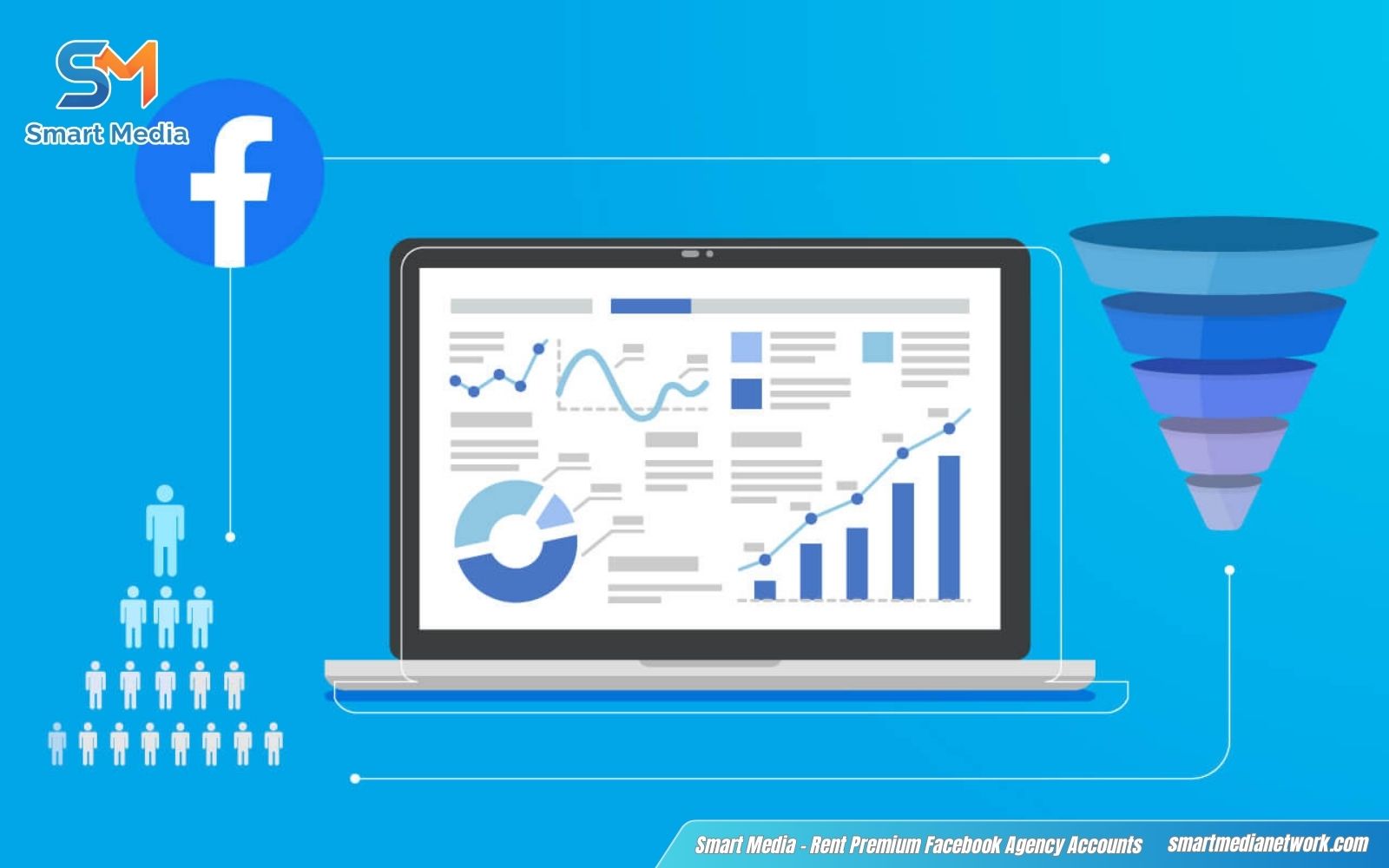
Smarter decisions start with strong data for better ad performance
How to access Facebook Audience Insights
There are several quick ways to access Facebook Audience Insights inside Meta platforms:
-
Option 1: Use the search bar: Use the search bar at the top of the interface and type “Audience Insights”.
-
Option 2: Use the Ads Manager Shortcuts: If you are already managing campaigns, click the “All Tools” (three-line menu) icon in the top left corner of Facebook Ads Manager. Under the Plan section, select Audience Insights.
-
Option 3: Use the Direct URL: For the fastest access without clicking through menus, simply bookmark or enter https://www.facebook.com/ads/audience-insights/ into your browser. This link takes you directly to the analytics interface, saving you time during daily reporting.
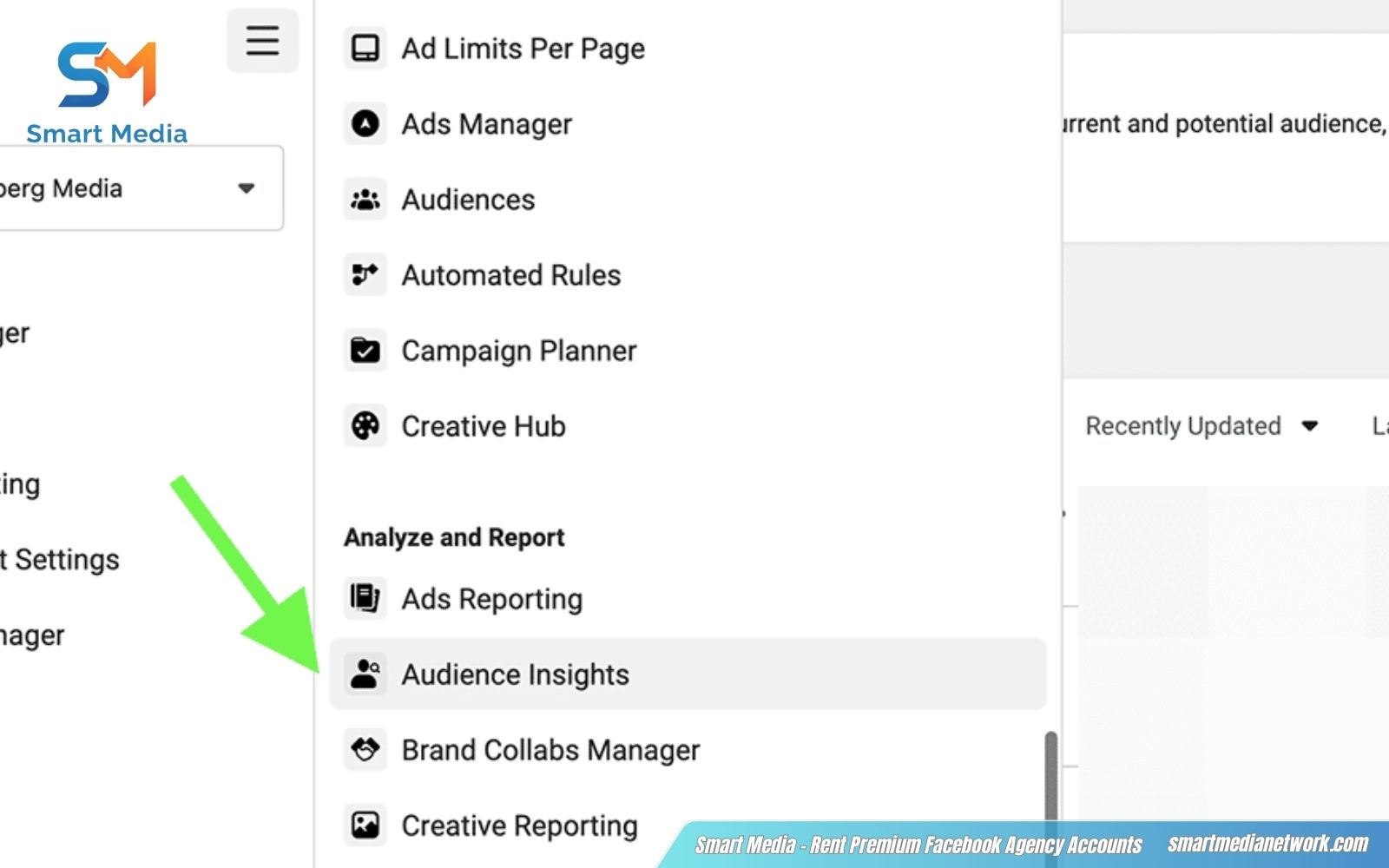
Quick steps to open and explore Audience Insights inside Meta
Key data you can analyze in Facebook Audience Insights
Facebook Audience Insights provides several key data groups that help you break down user profiles and behaviors. Mastering these metrics is essential if you want to improve Facebook Audience Insights for ads and make smarter targeting decisions.
Demographics
This section shows who your audience is at a basic level. You can analyze age, gender, relationship status, education and job titles. These Facebook Audience Insights demographics help you define your ideal customer profile and quickly spot which groups are most valuable for your campaigns.
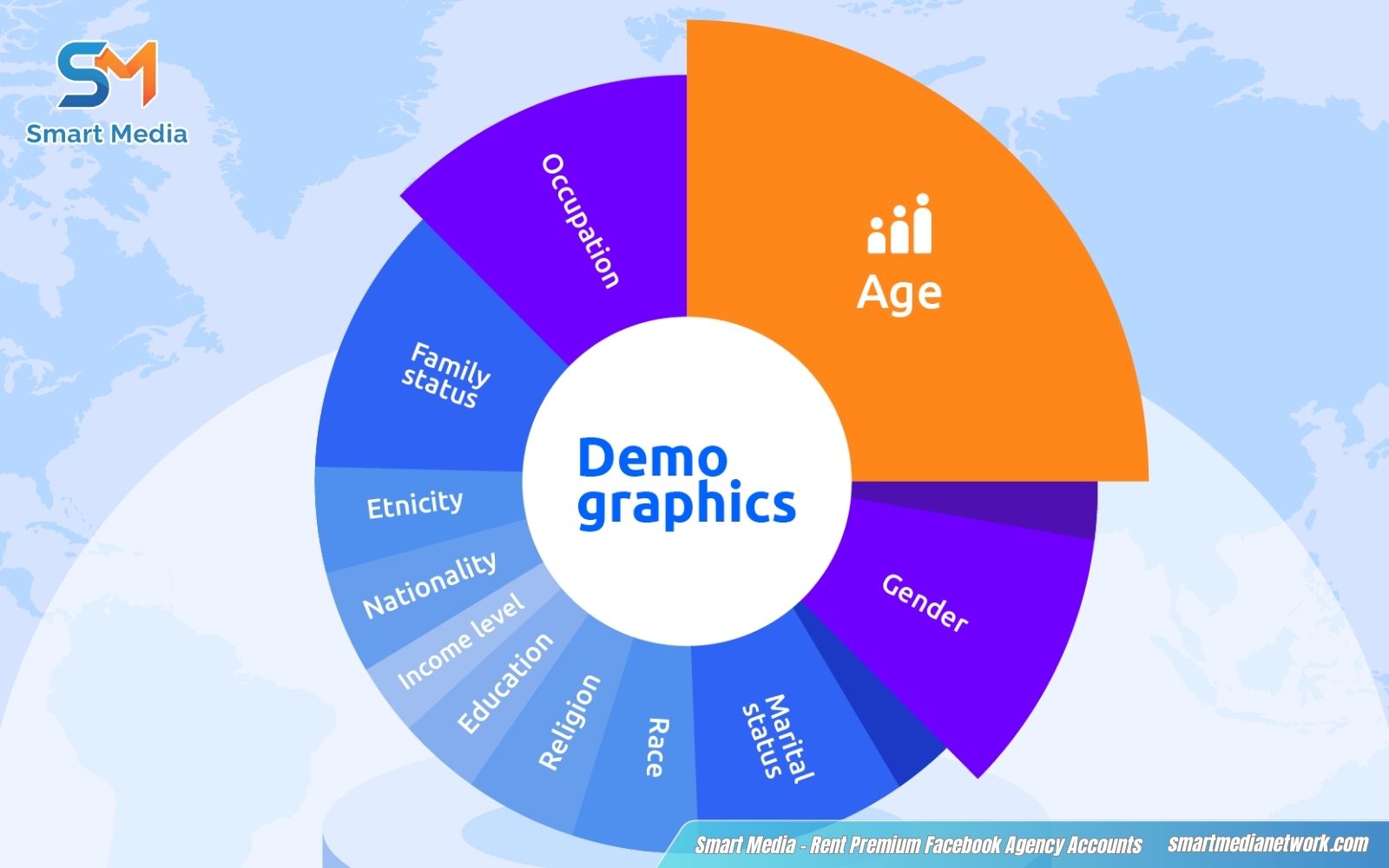
Break down user profiles using Facebook Audience Insights demographics effectively
Location and language
Here, you can see where your audience lives and what languages they use. Data is often broken down by country, city, and region. This helps you localize your ads, adjust messaging, and ensure your campaigns reach the right geographic markets effectively.
Interests and behaviors
This is one of the most important sections for targeting. Facebook Audience Insights interests reveal what pages your audience likes, topics they follow, and activities they engage in. You can also discover purchasing behaviors and lifestyle patterns, making it easier to refine Facebook Audience Insights targeting with high relevance.
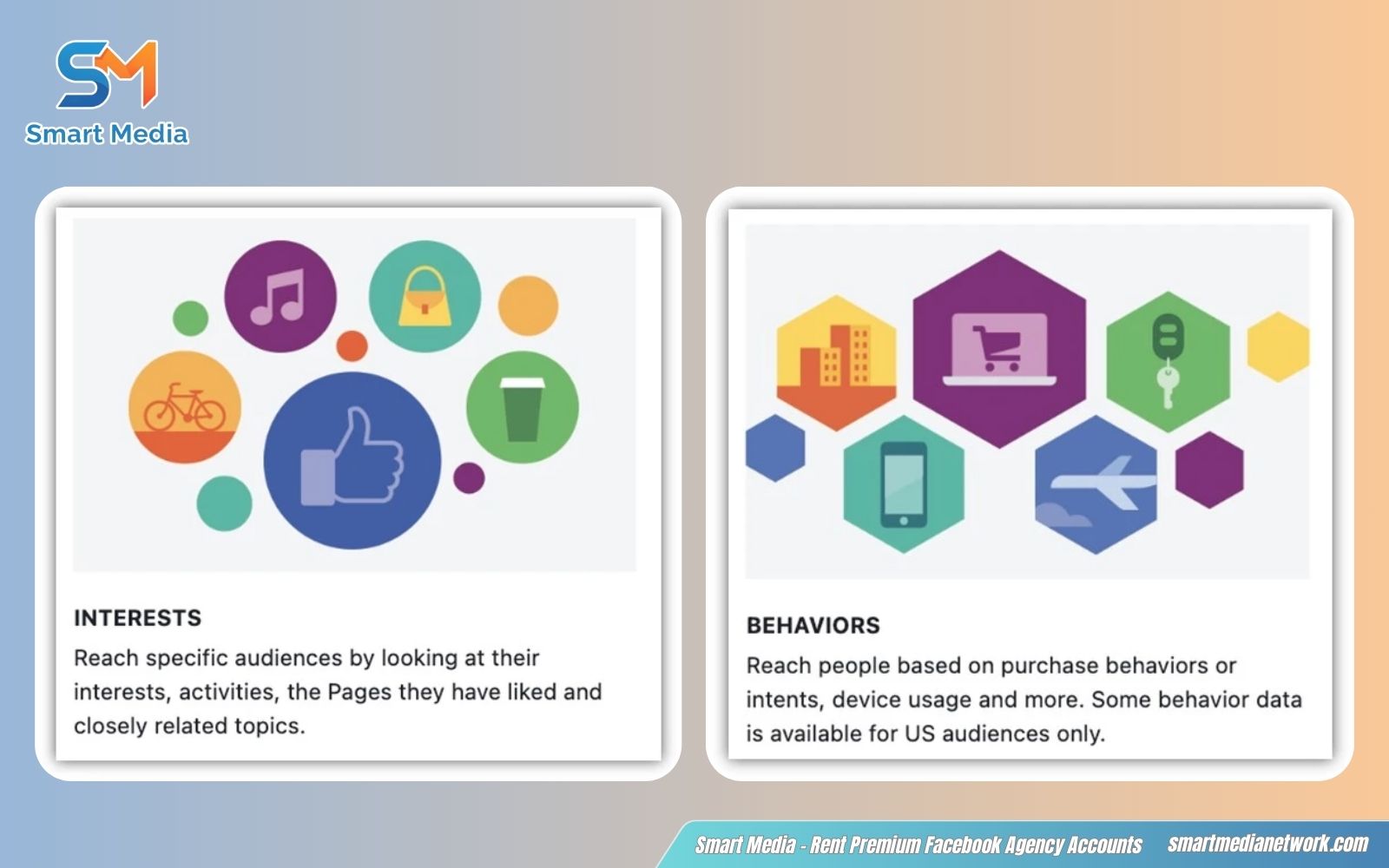
Discover user preferences through Facebook Audience Insights interests and behaviors
Device and activity data
Details how audiences engage: primary devices (mobile Android/iOS, desktop), activity frequency (daily/weekly logins, interaction levels). For examples, 85% mobile-first (mostly iPhone or Android), high daily activity on Pages.
Optimize delivery, prioritize mobile-optimized creatives/landings if dominant, segment by device for A/B tests or schedule based on peak activity to maximize reach and performance in 2026 mobile-heavy environment.
How to use Facebook Audience Insights (Step-by-step)
To turn data into a high-performing campaign, you need a systematic approach to research. Follow these five essential steps to master how to use Facebook Audience Insights and refine your marketing strategy.
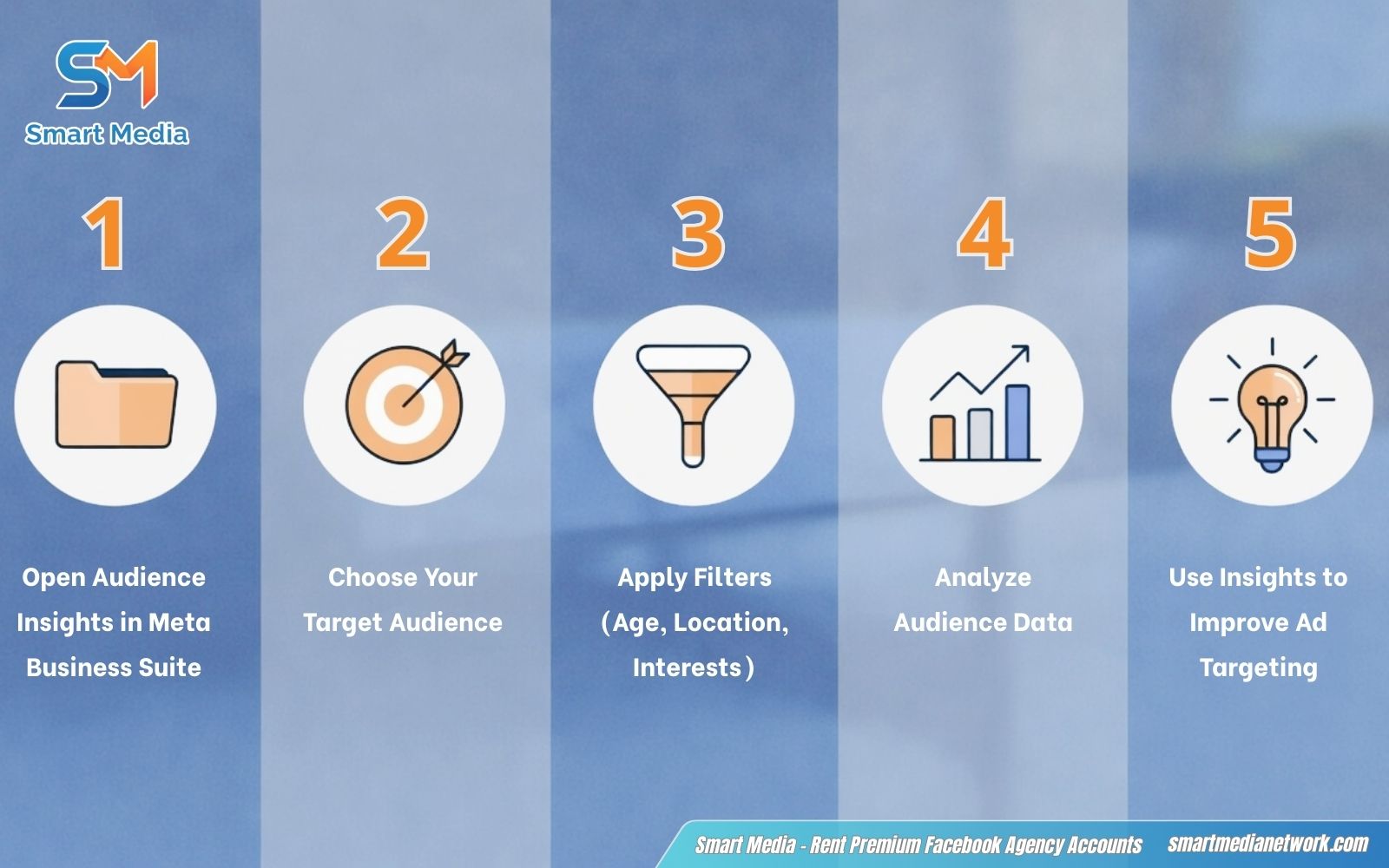
Follow simple steps to learn how to use Facebook Audience Insights
-
Step 1 – Open Audience Insights in Meta Business Suite: Log into your Meta Business Suite, navigate to the “Insights” tab on the left sidebar, and select “Audience”. This serves as your command center for all user data.
-
Step 2 – Choose your Target Audience: Select a broad audience or use existing data (like page followers or custom audiences) to begin exploring patterns.
-
Step 3 – Apply filters (Age, Location, Interests): Narrow down your audience by adjusting filters such as age, gender, location, and interests to match your target customers.
-
Step 4 – Analyze Audience data: Review the generated charts for age, gender, and top-performing cities. Look for “Page Likes” to see what other brands your target audience follows, which can spark new creative ideas.
-
Step 5 – Use Insights to improve Ad Targeting: Apply your findings directly to your campaigns. Create a “Saved Audience” in Ads Manager using the exact demographics and interests you discovered to ensure your ads reach the most relevant users.
Stop wasting budget on the wrong audience. With the right data and strategy, your ads can reach the people who actually convert. Smart Media helps businesses leverage advanced audience insights, refine targeting, and scale Facebook Ads with measurable results.
Contact Smart Media today to unlock the full potential of your Facebook Ads and start seeing real ROI!
How to save and use Audiences for Facebook Ads
Saving audiences directly from Facebook Audience Insights lets you reuse precise segments for faster campaign setup and consistent testing. This step bridges research to execution – pair it with how to read Facebook Ads Insights to refine targeting based on real campaign performance data.
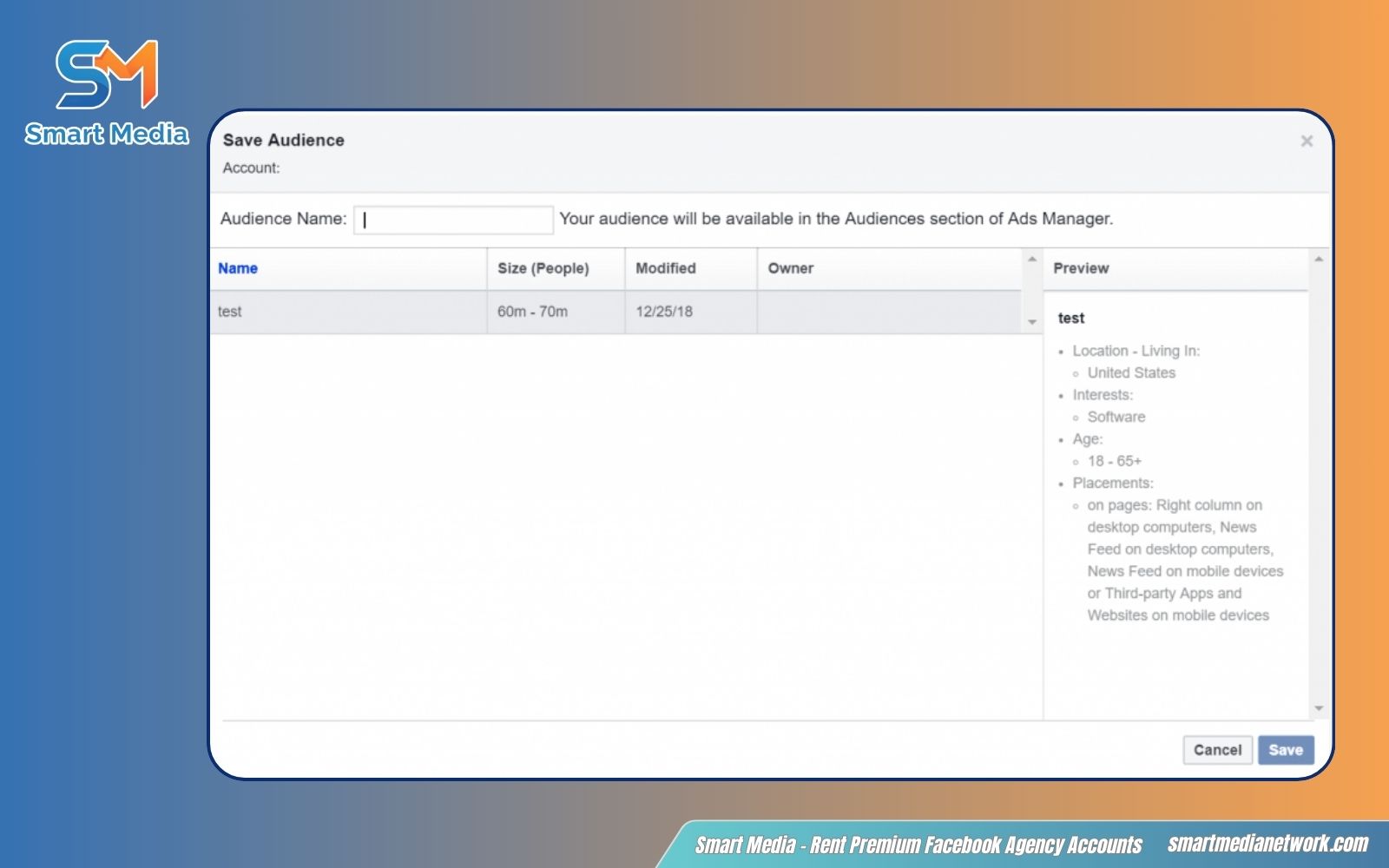
Save audience segments and apply them directly into your campaigns
-
How to save an audience:
-
Click Save on the top bar inside Facebook Audience Insights
-
Enter a name for your audience and confirm
-
If you want to create a variation without overwriting, use “Save as” under the More dropdown
-
-
How to open a saved audience:
-
Click Open on the top bar
-
Select any saved audience to review, analyze or edit
-
You can update and save it again for future use
-
-
How to use saved audiences in ads:
-
Click the green Create Ad button in Audience Insights
-
You’ll be redirected to Facebook Ads Manager
-
Choose to create a new campaign or use an existing one
-
Your saved audience will automatically be applied at the ad set level
-
Facebook Audience Insights vs Facebook Ads Audience Targeting
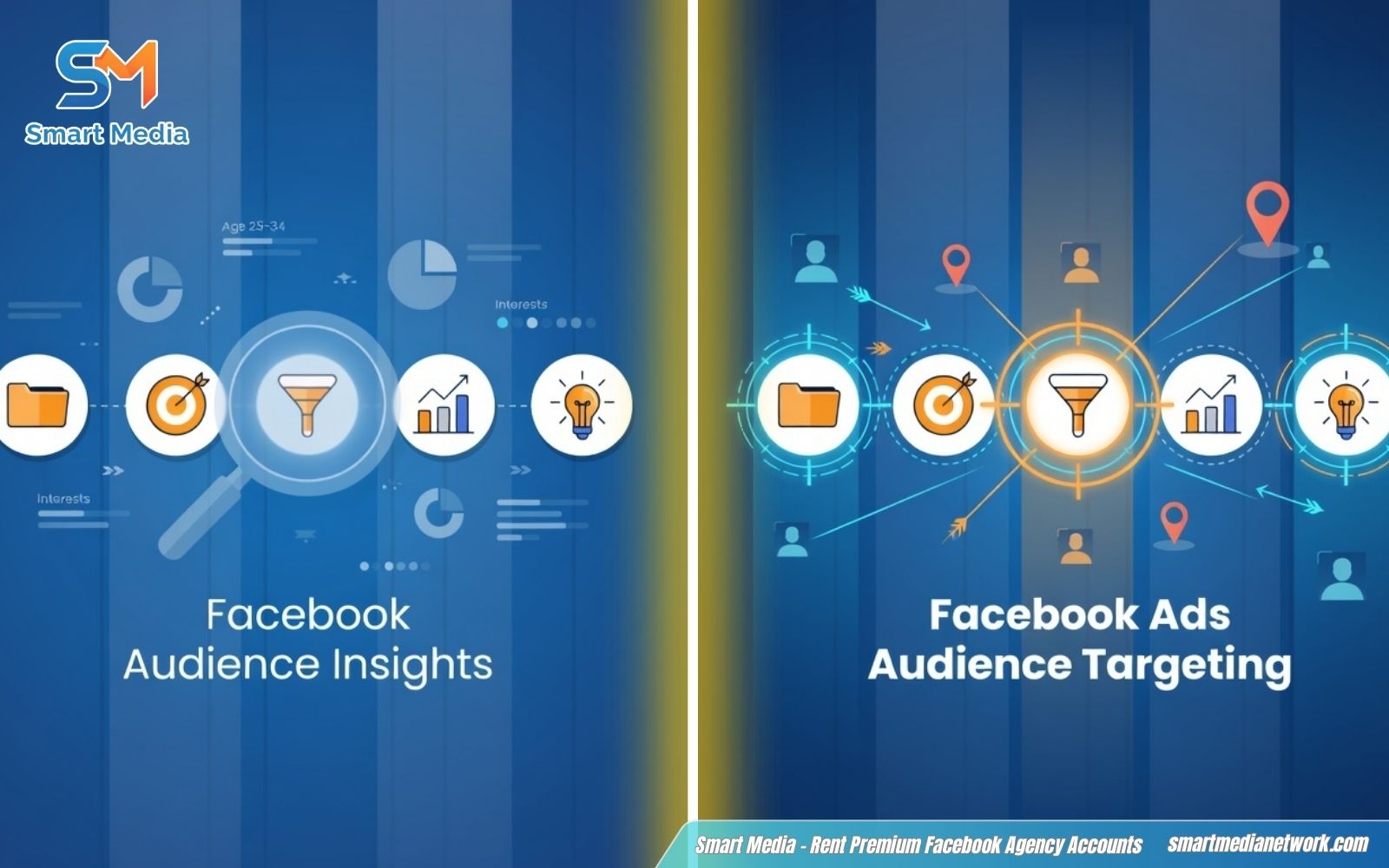
Differences between research insights and real ad targeting tools
Both tools are essential in building successful campaigns, and they often work together. While they share the same goal – helping you reach the right audience – their roles are completely different. Learn more about Facebook Ads audience targeting to see how to apply these insights in real ad campaigns.
| Aspect | Facebook Audience Insights | Facebook Ads Audience Targeting |
|---|---|---|
| Purpose | Audience research & analysis | Building and activating live ad audiences |
| Main Function | Discover demographics, interests, behaviors & affinity | Define exactly who sees your ads (manual or AI) |
| Data Type | Aggregate, privacy-safe insights (no individual data) | Actionable targeting: Detailed, Custom, Lookalike, Advantage+ |
| Key Features | Page Likes affinity, device trends, deep filters | Advantage+ Audience, exclusions, budget control |
| Best Used For | Building buyer personas, spotting hidden opportunities | Creating ad sets, scaling campaigns, optimization |
| Integration | Feeds saved audiences straight into Ads Manager | Directly controls delivery & real-time performance |
| Limitations | Cannot run ads or track live results | Limited deep research without using Insights first |
*Pro tip: Research with Audience Insights first, then apply those insights in Ads Manager targeting for maximum ROI and faster results in the AI era.*
Common mistakes when using Facebook Audience Insights
Even with powerful data, many advertisers fail to get results because they use it incorrectly, making classic Facebook ads mistakes
-
Relying on assumptions instead of real data from insights
-
Targeting too broad without refining filters
-
Ignoring Facebook Audience Insights interests and behavior patterns
-
Not updating audience analysis regularly
-
Overlooking small but high-potential audience segments
-
Using insights without applying them to actual ad targeting
-
Misunderstanding data when learning How to Read Facebook Ads Insights
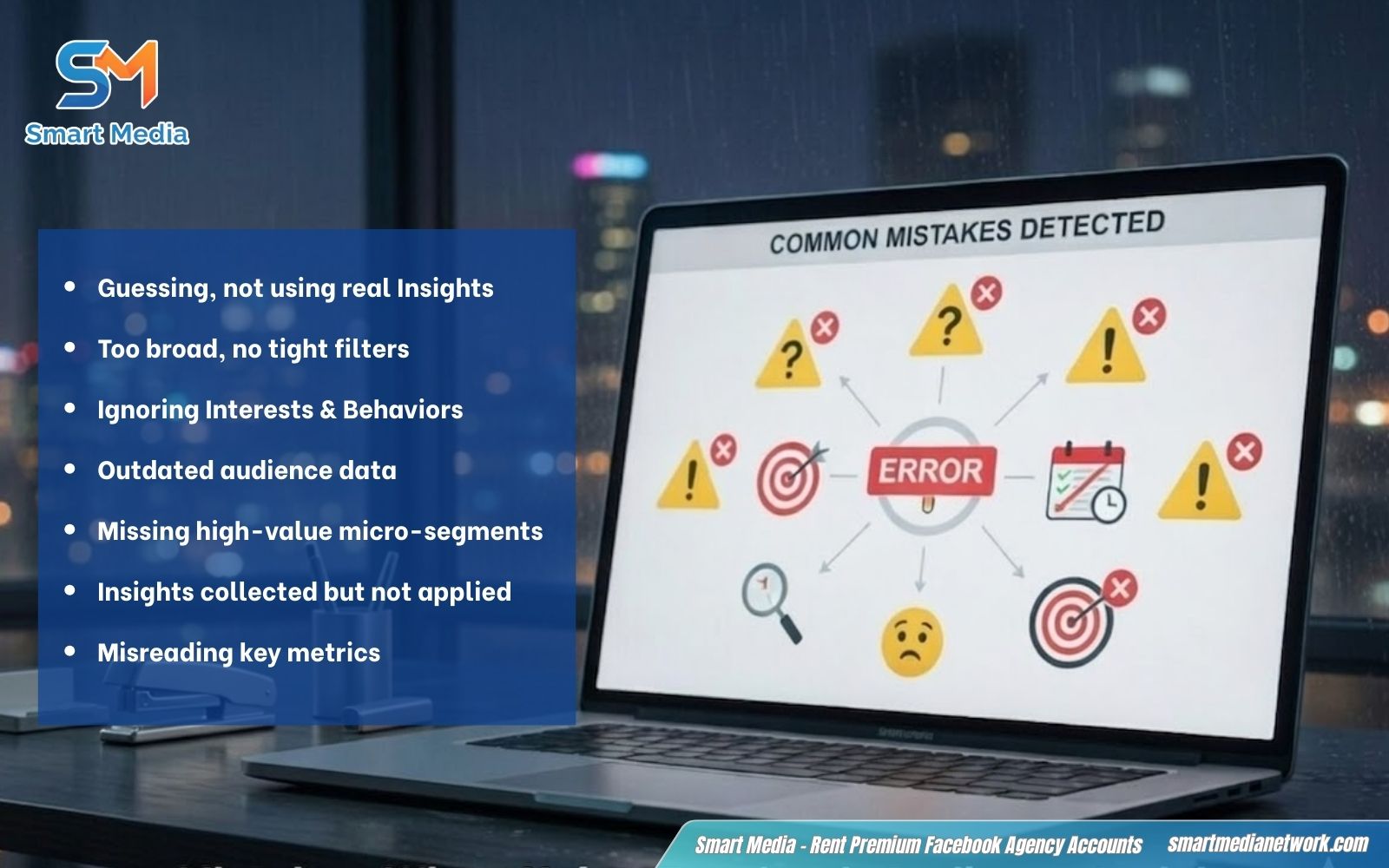
Avoid common errors that reduce effectiveness of your audience analysis
Struggling to Find the Right Audience for Your Ads?
If your targeting isn’t delivering results, the problem isn’t your budget, it’s your data. Smart Media helps businesses turn audience insights into precise targeting strategies, optimize campaigns, and drive better performance with every ad.
Get in touch with Smart Media today and start reaching the customers that actually convert.
FAQs about Facebook Audience Insights
Is Facebook Audience Insights free to use?
Yes. It is a 100% free analytical tool available within the Meta Business Suite. Any user with a Facebook Business Page can access these data points without any additional subscription or hidden fees.
How accurate is Facebook Audience Insights data?
The data is highly reliable as it is pulled directly from Meta’s internal ecosystem. It reflects real-time user activity, self-reported profile information, and actual engagement patterns across Facebook and Instagram, providing a factual basis for your marketing strategy.
How can Facebook Audience Insights improve ad targeting?
It eliminates guesswork by revealing the exact characteristics of your ideal customers. By identifying specific interests, behaviors, and demographics that already resonate with your brand, you can build laser-focused audience segments that lead to higher conversion rates and lower costs.
What is the difference between Facebook Audience Insights and Facebook Ads Insights?
The core difference lies in the timing and purpose of the data:
-
Audience Insights: A pre-campaign research tool used to discover who your target market is and what they like before you spend any money.
-
Ads Insights: A post-campaign reporting tool found in Ads Manager that tracks how your specific ads performed (e.g., Reach, CTR, and ROAS) after they have gone live.
In 2026, Facebook Audience Insights remains your go-to free tool for cutting through Meta’s AI layers and discovering audiences that actually convert. Use it consistently to refine personas, uncover high-value interests, and feed smarter signals into your campaigns, helping you how to scale Facebook Ads effectively.
If you want to turn these insights into real, consistent Facebook Ads growth, drop us a quick message today and let’s make your next campaign hit harder!
Contact information:
- Telegram: https://t.me/facebook_account_rent
- Discussion group: https://t.me/social_media_account
- Email: [email protected]
About the author
SmartMedia Editorial
Performance Marketing
SmartMedia Editorial is part of SmartMedia’s Performance Marketing team, focused on helping advertisers scale with stable infrastructure and compliant account operations.